

Patients and staff may feel frustrated when there are appointment conflicts which disrupt their daily operations. It is common for busy medical offices around the country to have double bookings, missed appointments, and last minute cancellations.
These issues also add to administrative burdens and delays in patient care. The challenge of manual scheduling becomes even more difficult when multiple providers are in charge and they have numerous appointment types.
The modern scheduling software tools aid healthcare offices to organize bookings and avoid common scheduling errors. They also enhance patient, front desk team and healthcare provider communication.
Real-time updates means everyone can have the correct information about appointments all day. These features help medical practices keep schedules well-structured and provide timely care.
Ways Patient Scheduling Software Reduces Appointment Conflicts
Here are the six ways Patient Scheduling Software can help prevent scheduling conflicts in healthcare practices.Preventing Double Bookings With Real-Time Scheduling
Multiple staff members booking appointments with out-of-date details can lead to double booking. Conflicts are avoided by having real-time scheduling systems that instantly sync calendars between connected devices.
If a time is booked, it is no longer available. This will ensure that no other employee has the same slot booked for another patient. Healthcare practices can also set booking limitations on appointment types.
For instance, if a consultation is long, he or she might spend more time than a routine follow-up session. The duration is automatically scheduled depending on prescheduled rules.
Tracking Provider Availability and Appointment Slots
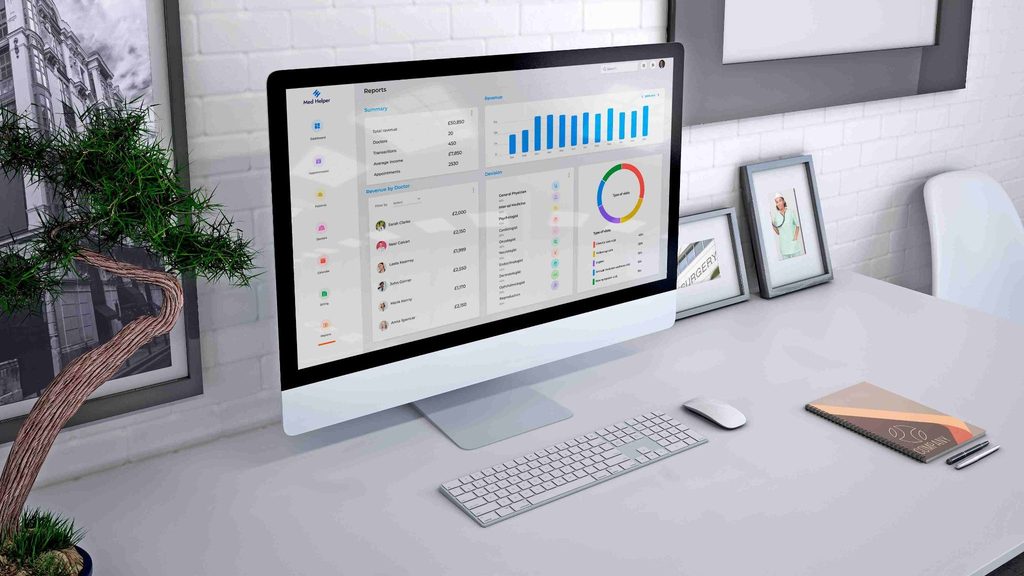
It’s common for providers to change their schedules due to medical emergencies, meetings, vacations, and clinical duties. You can prevent duplicate appointments, or schedule unexpected changes without having to keep track of them manually.
Digital scheduling software also keeps the availability of each health care provider up to date. Working hours, consultation hours, breaks and approved leave can be set individually by administrators.
Then the system shows the availability slots for appointments as per the providers’ availability. For instance, a cardiologist may only have a specific time when he will be available for consultation. Other appointments may need certain rooms, equipment or additional support staff.
Advanced scheduling systems can factor these resources into their scheduling equation prior to scheduling the patient. Also, medical practices can set a variety of appointment lengths for specific providers.
Temporary schedule changes are also noticeable to authorized receptionists or scheduling coordinators. The visibility factor assists in reducing the number of appointments made by the patient when there is no time for consultation.
Automating Appointment Confirmations and Reminders
Some common reasons for missed appointments include the wrong time or date, poor instructions or lack of communication.
Automated confirmation systems can help patients confirm appointments immediately after booking. Patients are reached via automated telephone, email and text message with booking information.
These messages usually contain dates of appointments, arrival time and instructions to the clinic. Healthcare offices can also set reminders several days prior to the next visit.
Further reminders can be received nearer to appointments, depending on the practitioner’s preference. This communication provides enough time for patients to notify staff of scheduling conflicts in advance.
For example, if a patient has a work commitment, they may ask to reschedule the appointment. Staff can then make any changes to the calendar before a problem could arise due to the original booking. Some systems also enable patients to verify attendance via secure communication channels.
Simplifying Cancellations and Rescheduling
Missed appointments may be a squandered golden opportunity to get in valuable time at a busy clinic. The traditional rescheduling process includes several phone calls and manual calendar rescheduling.
Digital scheduling platforms ease these tasks with centralized appointment management and online portals. Patients do not need to contact reception to schedule alternate appointments during office hours.
The available slots are displayed based on providers’ schedules, appointment types and current appointment restrictions. When a change is approved, the updated appointment information will appear on the calendar. When suitable, the original slot is also re-opened to another patient.
These settings assist staff to deal with changes evenly without causing needless booking confusion. For instance, if a patient requires a consultation sooner, he or she can check out the availability of the consultation in that case.
Managing Waitlists to Fill Vacant Appointment Slots
Many times, appointments are not made because there is an unanticipated cancellation creating an open appointment slot which reduces clinical scheduling efficiency. Other patients may still be waiting for earlier consultations or procedures, however.
Automated waitlist management seamlessly links these openings to patients looking for suitable appointment slots. Scheduling systems create well-organized lists based on preferred dates and provider availability.
Other platforms also take into account the urgency of the appointment, length of the visit and patient scheduling preferences. Eligible patients are notified when cancellations are made and are offered information on new slots.
For example, if a patient has an appointment with a dermatologist, the system might suggest an earlier time. Once the patient confirms his/her availability, the software can automatically update the appointment calendar. Depending on system setting, unaccepted offers can be automatically forwarded to other patients.
This way, the receptionist can avoid calling people multiple times for the same position. Nevertheless, the need for clinical care must be treated in accordance with the medical triage and prioritization procedures.
Integrating EHR/EMR Systems to Streamline Patient Scheduling
Duplicate medical information and records can be created due to inaccurate medical records and a lack of integration or consistency in medical schedules. Appointment management systems can also be seamlessly integrated with EHRs, extending the existing clinical workflow.
Authorized personnel may have access to information about the patients for the task of arranging suitable consultation time. For instance, the type of appointment can indicate if it’s a first or follow-up appointment. Furthermore, integrated systems can share changes to schedules among various administrative and clinical applications that are linked together.
This synchronization helps minimize duplicate data entry and helps prevent conflicting appointment records. Besides, it is possible to maintain the same patient data throughout the supported software modules. Staff members have less time to match up information and look through individual calendars.
Other integrations provide insurance eligibility workflows and electronic patient intake forms. But before linking existing EHR or EMR systems, health professionals need to check compatibility.
Access controls and proper data protection are still crucial under HIPAA. To achieve a reliable system integration, scheduling workflows can be streamlined and unnecessary administrative mistakes that could occur are avoided. Finally, coordinated information promotes accurate appointments in medical practices throughout regular patient interactions.
Conclusion
Patient scheduling software ensures your appointments are accurate and you can easily schedule the day’s appointments. Open slots are available and can be checked and two patients cannot be booked in the same slot. Simple alerts also make it easy for you to remind patients about their upcoming medical visits.